A youth center that runs end-to-end on one platform.
Led creative direction and UX for the Inventive Minds Kidz Youth Center platform — a kids’ learning academy where the public-facing site, program registration, commerce, and the entire back-office all live on a single custom build. The product covers seasonal program catalogs, individual class detail pages, registration and parent dashboards, an integrated store for course materials, and a blog/help layer that supports the brand.
Underneath sits a custom CMS designed specifically for an academy operator: events & class management, store products, transaction reports, content publishing, and the admin tooling that keeps the parent-facing surfaces accurate without engineering touch. The whole thing has to feel playful and approachable to parents and kids while staying operationally tight for the team running it day-to-day.
One youth center, many integrated surfaces.
Public site, programs, store, and admin back-office.
 Login
Login
 Register / Sign-up
 Programs — Index
 Program — Detail
 Store — Category
 Store — Product Detail
 Cart — Guest Checkout
 Checkout — Payment
 Parent Profile
 Profile — Purchase History
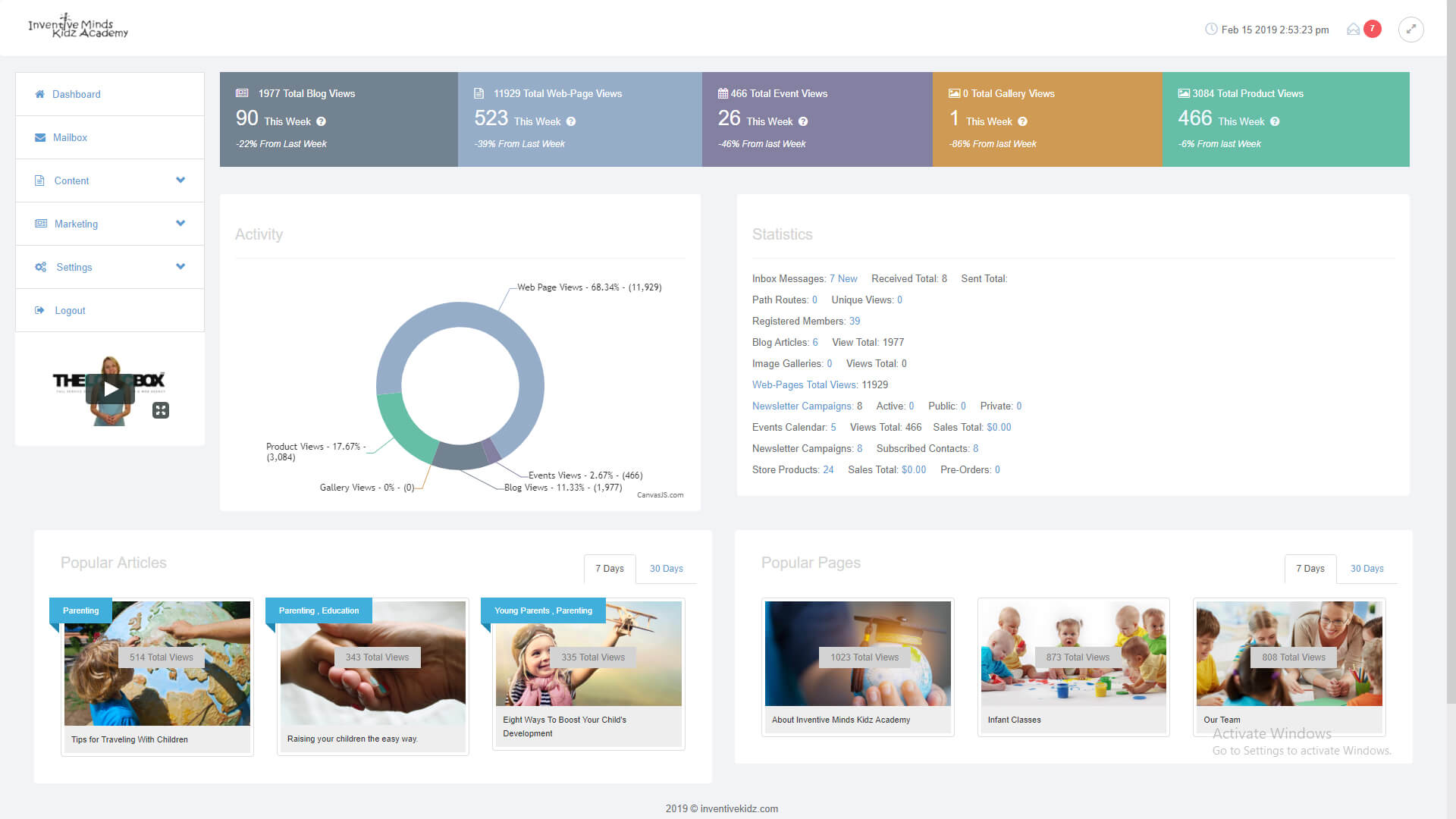 Admin — Dashboard
 Admin — Programs List
 Admin — Program Edit
 Admin — Store Products
 Admin — Transaction Reports
 Admin — Transaction Edit
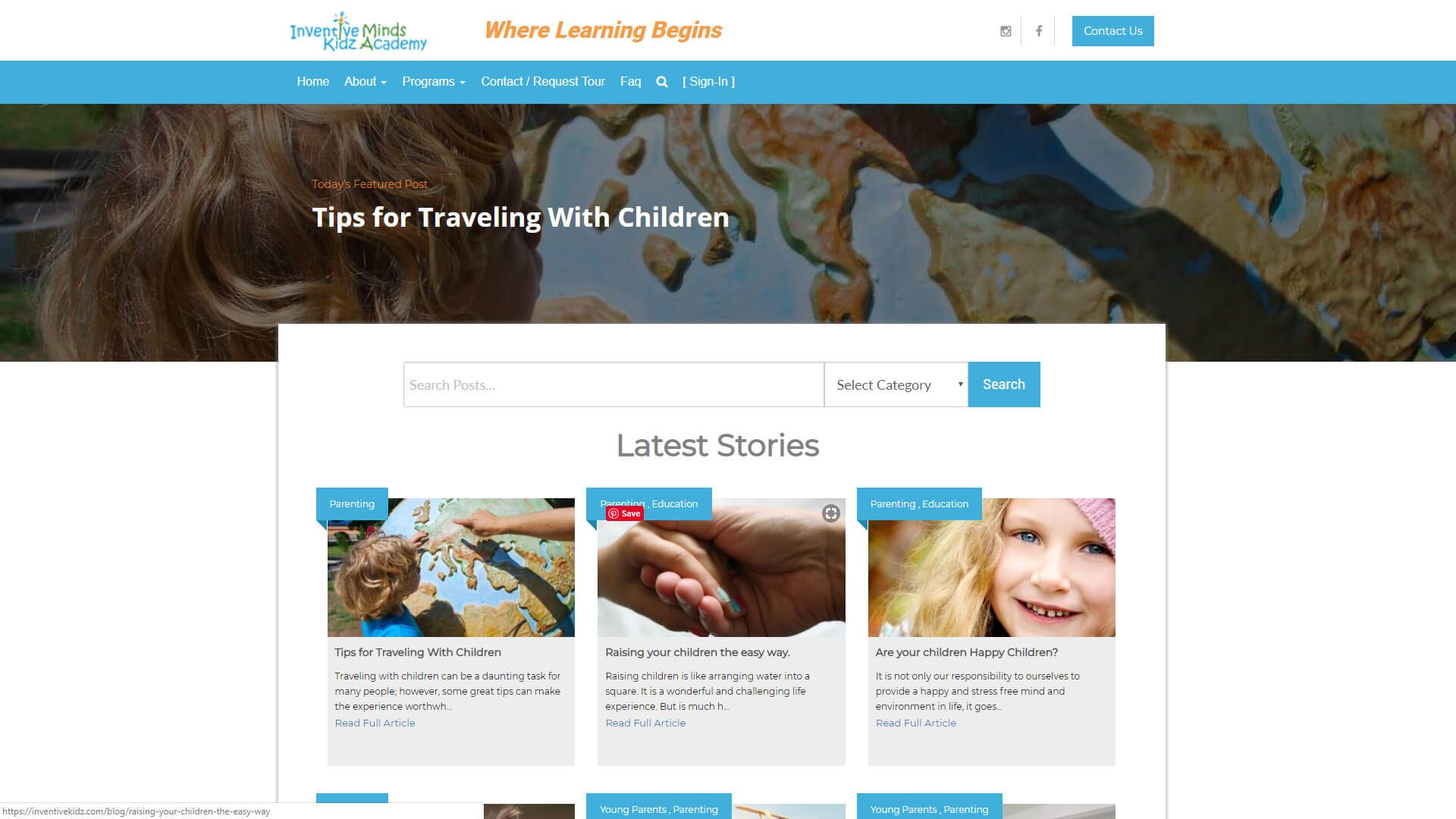 Blog — Index
 Help & FAQ
The system behind the youth center.
Public-Facing Site
Brand homepage, program discovery, blog/articles, and the help layer — the parent’s first impression of the academy.
Programs & Classes
Class catalog, individual program pages, schedule, age-group filters, and registration flows that guide parents from interest to enrolled.
Integrated Storefront
Store for course materials and seasonal merch — categories, product detail, guest checkout, and a logged-in cart that ties to the parent profile.
Parent Profiles
Account dashboards, purchase history, profile management, and the loops that keep parents coming back season after season.
Admin Dashboard
Operations-level overview giving the team visibility on programs, registrations, sales, and content from a single surface.
Programs Management
Custom admin tooling for creating, scheduling, and editing programs — the academy’s staff publish without engineering touch.
Store Management
Product catalog, inventory, pricing, and order management — the merchant operations spine of the platform.
Transaction Reporting
Full transaction reports with edit capability and the financial visibility the operator needs to run the business.
Content & Help
Blog, FAQ, and help-center surfaces that reduce support load and reinforce the brand voice across every touchpoint.